Stats and monitoring
Repository statistics
To enable repository statistics and metrics, see the ENABLE REPOSITORIES STATISTICS parameter in the Statistics section from the SETTINGS tab.
From the REPOSITORIES tab:
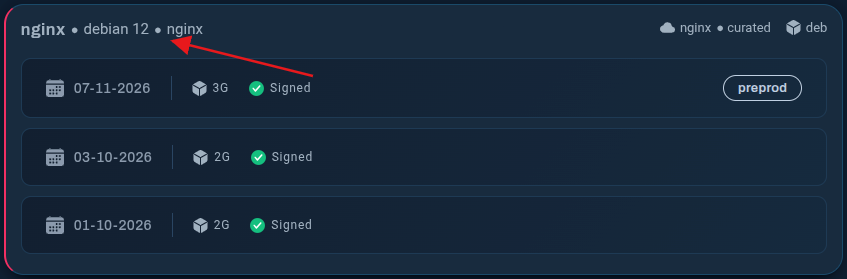
Step 1: Locate the repository for which you want to visualize statistics.
Step 2: Click on the Release version or Distribution / Component of the repository, or on the name of a mirror, to access the statistics page: snapshots timeline and size, accesses over time by environment, access requests and top IP addresses.
For mirrors, the accesses of apt, dnf/yum and pacman clients to the environments of the mirror are counted. As mirrors may be public and heavily used, keep in mind that each access request is stored in the statistics database (requests older than one year are deleted).